


dIAgnostify Video Tutorials
Welcome to our tutorials. Here you will find various videos demonstrating how to use the platform. Click on the thumbnails below to watch them.

01. General Platform Introduction

02. 14-day trial registration
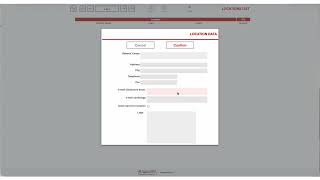
03. First access and creating your first Location

04. Creating a new collaborator

05. Creating a new Center/Location
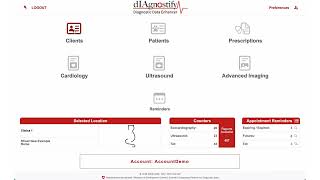
06. Creating a new Client and a new Patient

07. Creating a new Anamnesis and a new Echo report

08. Creating an Echo report with images, reference intervals, and bibliography

09. Creating an ECG report with images
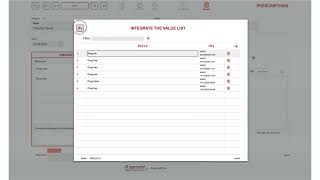
10. Creating a new prescription
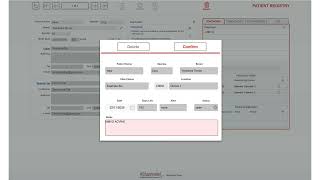
11. Creating a reminder

12. Sending a prescription via email

13. Duplicating, updating, and sending a prescription via email

14. Changing Operator and Center in a report
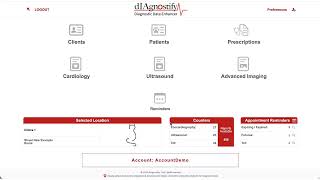
15. Consulting and exporting the reminder list

16. Creating and updating the Physical Examination fields list
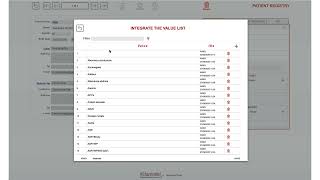
17. Creating and updating the standard diagnosis keywords list
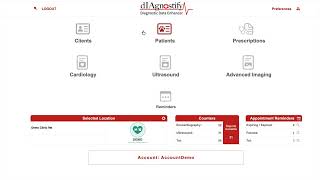
18. Creating an abdominal layout (US Format 1) and a new report
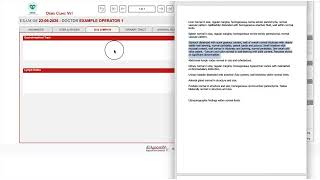
19. Creating an abdominal layout (US Format 2) and a new report
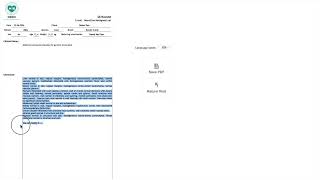
20. Writing a new abdominal report with the previously created US Format 1
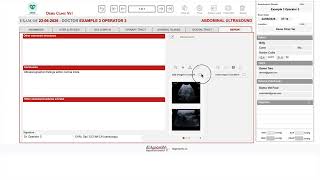
21. Writing a new abdominal report with the previously created US Format 2
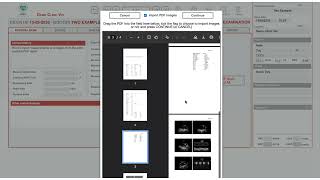
22. Import measurements and images echocardiography
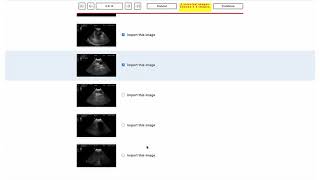
23. Insert standard text and images in ultrasound report
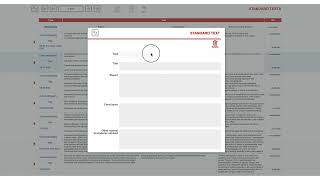
24. Create new report Standard Texts
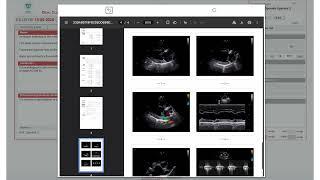
25. Insert standard text into the report, modify or create new ones